
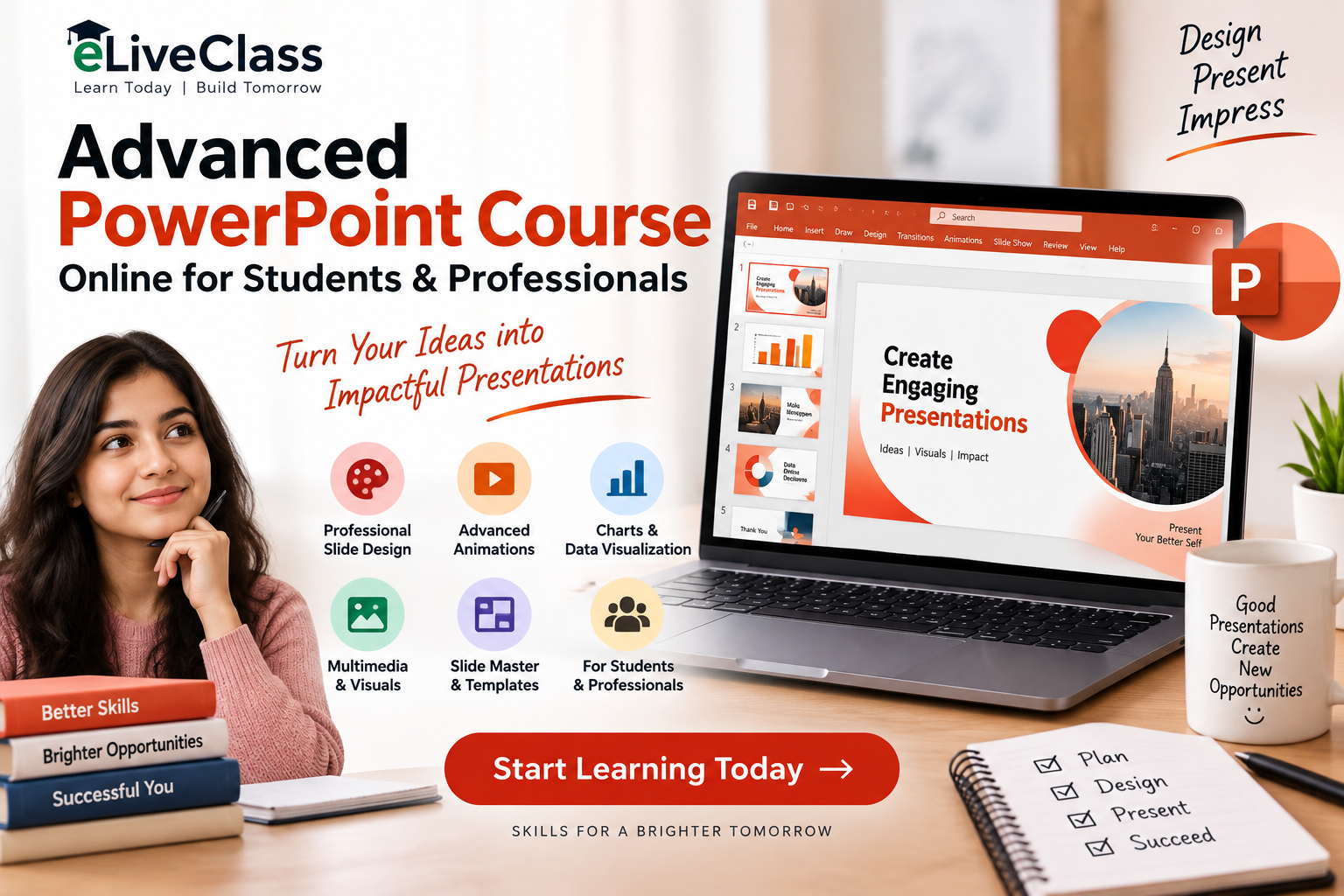
Microsoft PowerPoint is more than just a tool for creating basic slides. With the right skills, you can create professional presentations, interactive reports, business proposals, academic projects, training materials, and visually engaging presentations that communicate ideas effectively.
For students and working professionals, learning advanced PowerPoint features can improve presentation quality, productivity, and communication skills. An Advanced PowerPoint Course Online for Students & Professionals provides a convenient way to learn these skills from anywhere and at your own pace.
At eLiveClass, we provide online learning resources designed to help learners develop practical computer and professional skills, including advanced PowerPoint techniques.
Why Learn Advanced PowerPoint?
Basic PowerPoint skills allow you to create slides, add text, insert images, and apply themes. However, professional presentations often require much more.
Advanced PowerPoint skills can help you:
- Create professional-looking presentations
- Design attractive and consistent slides
- Create interactive presentations
- Save time using templates and Slide Master
- Create business and academic presentations
- Deliver presentations with greater confidence
Whether you’re preparing a college project or presenting a business strategy, advanced PowerPoint knowledge can make your work more effective.
What Will You Learn in an Advanced PowerPoint Course?
A good advanced PowerPoint course should go beyond basic slide creation and focus on practical features that can be used in real-world situations.
1. Professional Slide Design
Design is an important part of an effective presentation. You can learn how to use layouts, typography, spacing, alignment, colors, shapes, and visual elements to create clean and professional slides.
Instead of filling slides with excessive text, advanced presentation skills help you communicate information through a combination of concise text and visual elements.
2. Slide Master
Slide Master is one of the most useful PowerPoint features for creating consistent presentations.
You can use it to control:
- Fonts
- Colors
- Logos
- Backgrounds
- Headers and footers
- Slide layouts
Learning Slide Master can save time when creating large presentations and ensures that different slides maintain a consistent appearance.
3. Advanced Animations and Transitions
Animations can help control how information appears during a presentation. An advanced course can teach you how to use entrance, emphasis, exit, and motion-path animations appropriately.
You can also learn how to use transitions between slides without making the presentation distracting.
The goal isn’t to add animation everywhere but to use it strategically to improve storytelling and audience engagement.
4. Charts and Data Visualization
Presenting large amounts of data in paragraphs can make a presentation difficult to understand. PowerPoint allows users to communicate information through charts, graphs, tables, and other visual elements.
Advanced PowerPoint learners can develop skills in creating:
- Bar charts
- Pie charts
- Line charts
- Comparison tables
- Infographics
- Visual dashboards
These skills are especially useful for business professionals, students, researchers, and trainers.
5. Images, Icons, and Multimedia
Modern presentations often include more than text and charts. Advanced PowerPoint training can help you work with images, icons, videos, audio, shapes, and other multimedia elements.
You can learn how to crop and format images, remove backgrounds, combine shapes, and arrange visual elements professionally.
Benefits of Learning PowerPoint Online
An online PowerPoint course offers flexibility for students and professionals with different schedules.
Learn From Anywhere
You can access online learning resources from home, college, workplace, or another convenient location.
Learn at Your Own Pace
Online learning allows you to revisit difficult lessons and practice advanced features until you are comfortable using them.
Practical Learning
PowerPoint is a hands-on application. The best way to learn is to practice each feature while creating your own presentations.
Save Time
You don’t have to travel to a physical training center. Online learning lets you organize your study schedule according to your availability.
Advanced PowerPoint Skills for Students
Students can use advanced PowerPoint skills for:
- College presentations
- Academic projects
- Research presentations
- Seminar presentations
- Group projects
- Internship presentations
- Project reports
Instead of submitting ordinary slides, students can create visually organized presentations that communicate their ideas clearly.
Learning advanced PowerPoint can also help students develop presentation and communication skills that may be useful during interviews and professional careers.
Advanced PowerPoint Skills for Professionals
Professionals frequently use presentations to communicate information to clients, managers, colleagues, and stakeholders.
Advanced PowerPoint can be useful for creating:
- Business proposals
- Sales presentations
- Marketing presentations
- Financial reports
- Training presentations
- Project updates
- Company profiles
Professionals who can combine good design with clear communication can create presentations that are easier for audiences to understand.
Who Should Take an Advanced PowerPoint Course?
An advanced PowerPoint course can be useful for:
Students: Improve academic and project presentations.
Working Professionals: Create better business reports and presentations.
Teachers and Trainers: Develop engaging educational presentations.
Entrepreneurs: Prepare business proposals, company profiles, and investor presentations.
Freelancers: Offer presentation design and formatting services to clients.
Tips for Creating Better PowerPoint Presentations
Learning advanced features is only one part of becoming a good presentation designer. Keep these principles in mind:
Keep Slides Simple
Avoid overcrowding slides with too much information.
Maintain Consistency
Use consistent fonts, colors, spacing, and layouts throughout the presentation.
Use Visuals
Charts, icons, images, and diagrams can often communicate information more effectively than long paragraphs.
Use Animations Carefully
Animations should support your message rather than distract the audience.
Why Choose eLiveClass?
At eLiveClass, we aim to provide accessible online learning resources for students, professionals, and learners who want to improve their practical skills.
Our learning approach focuses on helping learners understand concepts and apply them through practice. If you want to improve your PowerPoint skills, an online course can help you move from basic slide creation to more advanced presentation techniques.
With consistent practice, you can learn to create presentations that look professional, communicate information clearly, and make a stronger impression on your audience.
Final Thoughts
PowerPoint is an important presentation tool for both academic and professional environments. While basic knowledge is useful, advanced skills can help you create more polished, engaging, and effective presentations.
An Advanced PowerPoint Course Online for Students & Professionals can be a convenient option for anyone who wants to improve their presentation design, data visualization, animation, multimedia, and productivity skills.
If you’re ready to take your PowerPoint skills to the next level, explore the learning opportunities available on eLiveClass.com and start building practical presentation skills today.
Learn PowerPoint. Practice your skills. Create better presentations. Build a stronger professional future with eLiveClass.


