
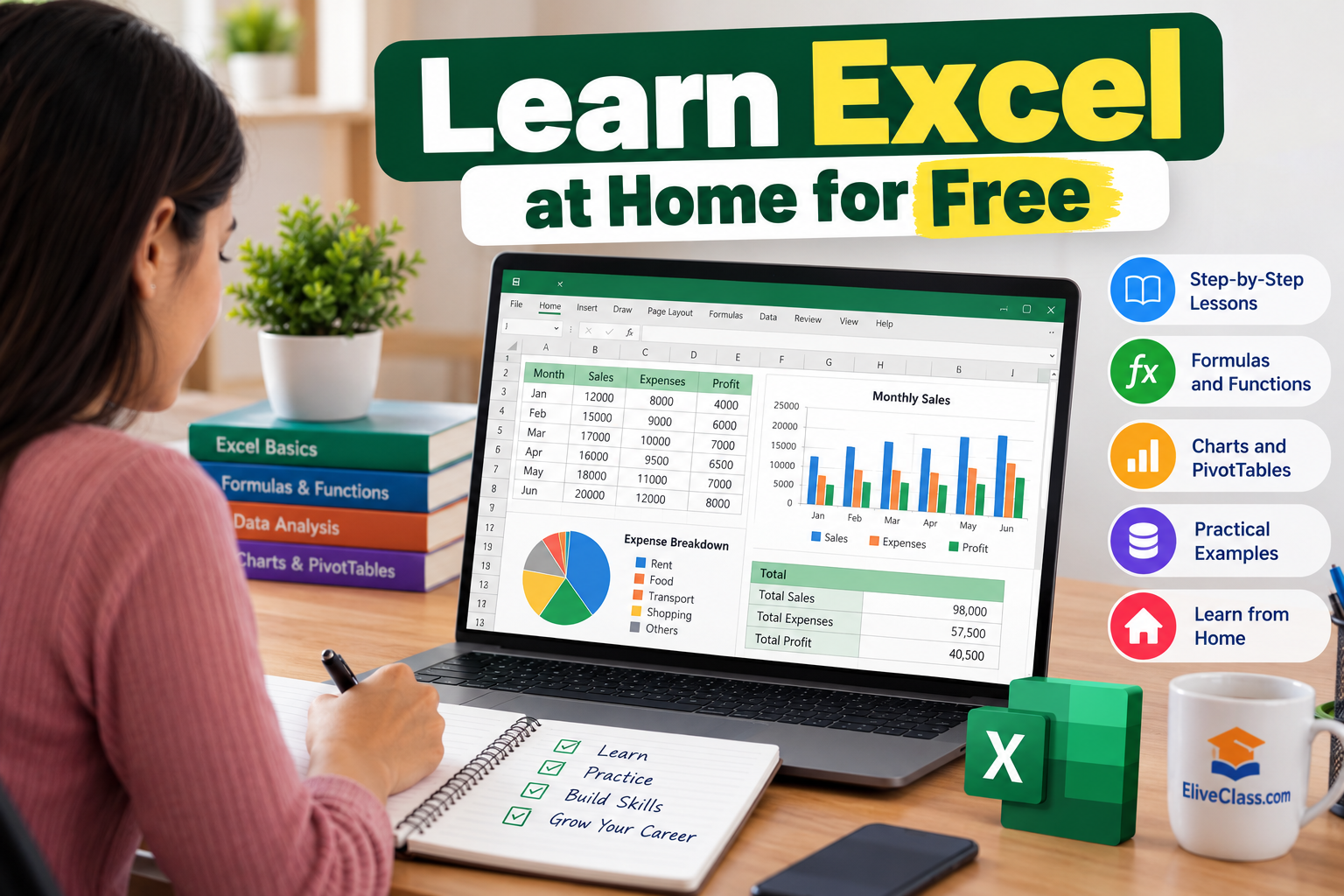
Microsoft Excel is one of the most useful computer skills for students, job seekers, working professionals, and business owners. From managing data and preparing reports to calculating expenses and analyzing information, Excel makes everyday tasks easier and faster.
The good news is that you do not need to spend money on expensive courses to get started. With free online resources, regular practice, and a structured learning plan, you can learn Excel at home for free and develop skills that are useful for your career.
In this guide, we will explain how to learn Excel step by step, which topics beginners should focus on, and how to practice Excel without spending money.
Why Should You Learn Microsoft Excel?
Excel is widely used in banking, accounting, education, marketing, human resources, and business management. Learning Excel can help you complete tasks efficiently and improve your job readiness.
Some important benefits of learning Excel include:
- Better job opportunities: Excel skills are useful for data entry, administrative, accounting, and office-related positions.
- Improved productivity: Formulas and functions help you perform calculations quickly.
- Easy data management: Organize large amounts of information in rows and columns.
- Useful for students: Prepare marksheets, assignments, project reports, and research data.
- Business management: Track sales, expenses, inventory, and monthly profits.
Whether you are a college student, a fresher, or a working professional, Excel is a practical skill worth learning.
1. Start with the Basics of Excel
If you have never used Excel before, begin by understanding its interface and basic features. Learning the fundamentals will make advanced topics easier to understand.
Start with these topics:
- Understanding workbooks and worksheets
- Rows, columns, and cells
- Entering and editing data
- Formatting text and numbers
- Adjusting row heights and column widths
- Copying, pasting, and using AutoFill
- Saving and opening Excel files
For practice, create a simple monthly expense sheet with columns for the date, expense category, and amount. This exercise will help you understand how Excel organizes information.
2. Learn Basic Excel Formulas and Functions
Formulas are an essential part of Excel. They allow you to perform calculations automatically instead of calculating everything manually.
Here are five functions every beginner should learn.
SUM: Adds numbers together.
Example: =SUM(B2:B10)
AVERAGE: Calculates the average of numbers.
Example: =AVERAGE(B2:B10)
COUNT: Counts cells containing numbers.
Example: =COUNT(B2:B10)
MAX: Finds the largest value.
Example: =MAX(B2:B10)
MIN: Finds the smallest value.
Example: =MIN(B2:B10)
Once you understand these functions, move on to IF, COUNTIF, and SUMIF. Practice each formula using sample data, such as students’ marks or monthly expenses.
3. Practice Sorting, Filtering, and Formatting Data
After learning basic formulas, understand how to organize information properly.
Sorting arranges data in a particular order, such as alphabetically or from highest to lowest. Filtering displays only the records that meet specific conditions.
For example, if you have a spreadsheet containing the names, departments, and salaries of 100 employees, you can filter the information to display employees from a particular department.
You should also learn how to:
- Apply borders and cell colors
- Format numbers, dates, and currency
- Use Conditional Formatting
- Remove duplicate records
- Convert data into Excel Tables
These features are particularly useful for preparing professional reports and managing workplace data.
4. Learn Excel Online for Free with EliveClass.com
Choosing the right learning resources can make your Excel learning journey easier. Instead of spending money on expensive training programs, beginners can explore free online learning opportunities and practice their skills at home.
EliveClass.com provides educational resources to help learners develop useful knowledge and skills. You can visit EliveClass.com to explore the learning opportunities available on the platform and find resources that support your educational and professional goals.
To make the most of your learning experience, follow these tips:
- Choose beginner-friendly lessons and learn one topic at a time.
- Practice each formula in a spreadsheet instead of only watching tutorials.
- Keep a separate Excel file for your practice exercises.
- Revise previously learned functions regularly.
- Gradually move from basic spreadsheets to more advanced projects.
You can also use free YouTube tutorials, Microsoft’s official Excel support resources, and browser-based spreadsheet tools to supplement your learning.
5. Learn Charts and PivotTables
Once you are comfortable with formulas and data organization, start learning charts and PivotTables.
A PivotTable helps summarize large datasets. For example, you can use it to calculate monthly sales by product or compare expenses across different categories.
Charts turn numerical information into visual presentations. Excel offers different chart types, including bar charts, column charts, line charts, and pie charts.
Start with a simple sales dataset. Create a table showing sales for different months and then use a chart to compare the results.
Learning these features will help you analyze information and present data more effectively.
6. Practice Excel with Real-Life Projects
Watching tutorials is helpful, but practical experience is essential for building confidence. Create small projects that solve everyday problems.
Here are five beginner-friendly Excel projects:
- Monthly budget tracker: Record income, expenses, savings, and remaining balance.
- Student marksheet: Calculate total marks, averages, and percentages.
- Attendance tracker: Record attendance and calculate the number of days present.
- Sales report: Organize product sales and calculate total revenue.
- Inventory sheet: Track product names, quantities, prices, and available stock.
Start with one project and improve it as you learn new functions. You can also save your completed projects as examples of your skills when applying for jobs.
7. Follow a 30-Day Excel Learning Plan
A structured schedule can help you stay consistent and measure your progress.
| Days | Topics to Learn | Practice Activity |
|---|---|---|
| 1–5 | Excel interface and formatting | Create an expense sheet |
| 6–10 | Basic formulas and functions | Calculate totals and averages |
| 11–15 | Sorting, filtering, and tables | Organize sample employee data |
| 16–20 | IF, COUNTIF, and SUMIF | Create a student marksheet |
| 21–25 | Charts and PivotTables | Prepare a sales report |
| 26–30 | Revision and practical projects | Complete a budget or inventory tracker |
Try to spend 30–60 minutes daily learning and practicing. If a topic takes longer than expected, give yourself additional time instead of rushing through the lessons.
By the end of the month, you should have a basic understanding of Excel and a few completed practice projects. Your progress will depend on your starting level and how consistently you practice.
8. Common Mistakes to Avoid While Learning Excel
Beginners sometimes make mistakes that slow down their progress. Avoid these common problems:
Only watching tutorials: Watching videos without practicing makes it harder to remember formulas.
Learning too many functions at once: Focus on a few useful functions before moving to advanced topics.
Ignoring practical projects: Real-life exercises help you understand when and why to use different features.
Giving up after formula errors: Check cell references, brackets, and spelling when a formula does not work as expected.
Expecting instant results: Excel proficiency develops gradually through regular practice.
Conclusion
Learning Excel at home for free is achievable when you follow a clear plan and practice regularly. Begin with the basics, learn essential formulas, understand data organization, and gradually move on to charts and PivotTables.
You do not need to master every feature immediately. Focus on the skills that match your current goals and improve your knowledge through practical exercises. Even 30 minutes of daily practice can help you build confidence over time.
If you want to develop your computer skills and explore educational resources, visit EliveClass.com. Explore the available learning opportunities, practice consistently, and take the next step toward building useful skills for your academic and professional future.
Frequently Asked Questionhttps://eliveclass.com/s (FAQs)
1. Can I learn Excel at home for free?
Yes. You can learn Excel using free online tutorials, Microsoft’s official support resources, and practical spreadsheet exercises.
2. How long does it take to learn Excel for beginners?
You can learn the basic features within a few days or weeks. Intermediate and advanced skills require additional practice and experience.
3. Can I learn Excel without installing Microsoft Excel?
Yes. You can practice many spreadsheet skills using browser-based tools such as Google Sheets, although some features differ from Microsoft Excel.
4. Which Excel formulas should beginners learn first?
Start with SUM, AVERAGE, COUNT, MIN, MAX, and basic arithmetic formulas. Then learn IF, COUNTIF, and SUMIF.
5. Is Excel useful for getting a job?
Yes. Excel is useful in many roles, including data entry, administration, accounting, sales, and reporting. The required skill level depends on the position.
6. Where can I find resources to learn Excel online?
You can explore free tutorials, official Microsoft support resources, and educational opportunities available through platforms such as EliveClass.com.


